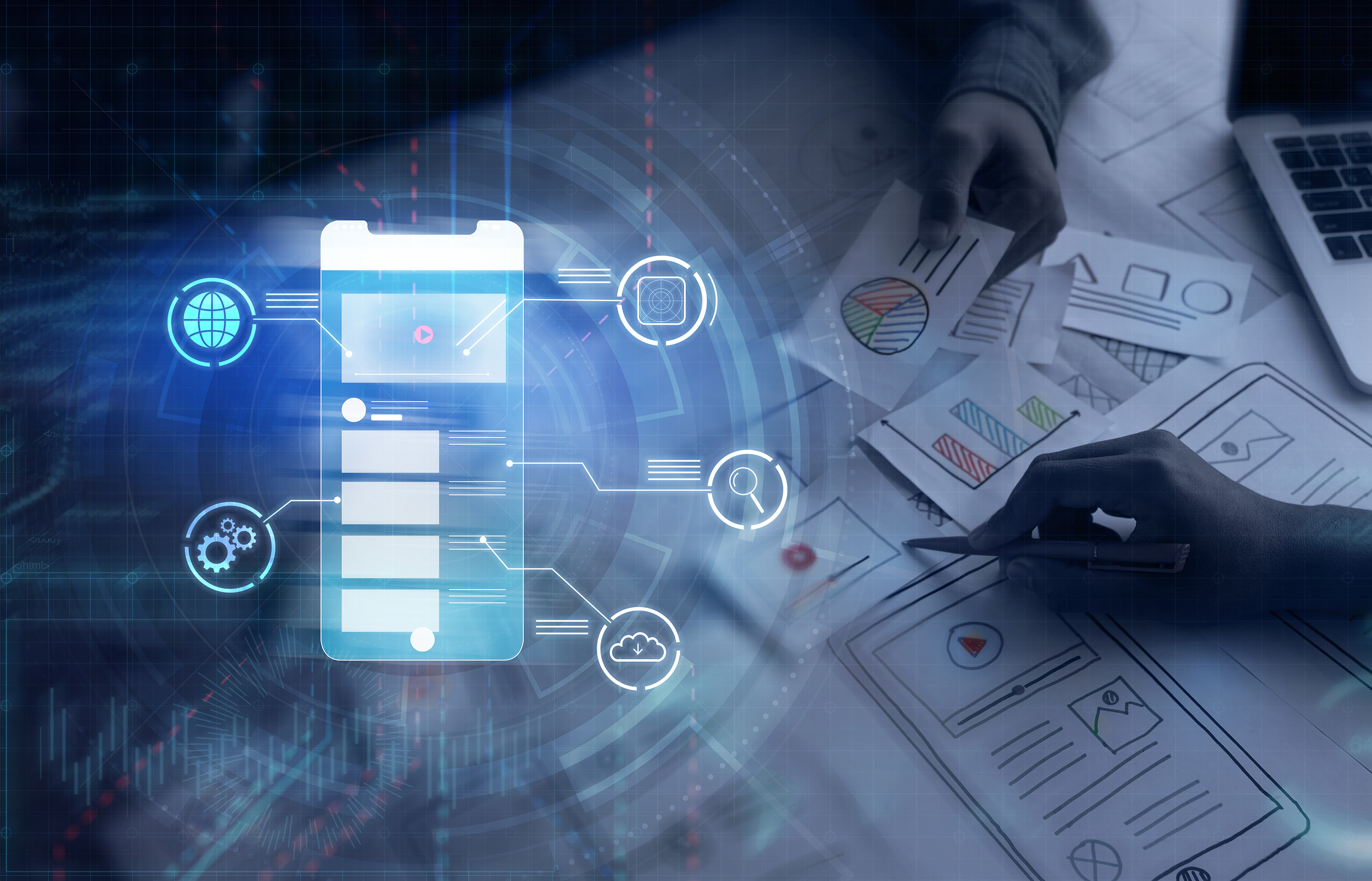
A great product with a messy interface doesn’t feel great for long. Whether it’s a beautiful homepage that leads nowhere or a checkout flow that causes hesitation, these aren’t cosmetic issues — they’re conversion problems. UX/UI design isn’t about polish. It’s about performance. When brands bring in a professional designer, they’re removing friction, improving clarity, and building trust into every interaction.
Most UX issues don’t look like bugs. They feel like user hesitation.
You don’t bring in a designer because something looks off. You bring them in because users are:
These aren’t isolated issues. They’re signals that the experience isn’t meeting expectations — and that’s where a professional makes the difference.
A UX/UI designer turns your product from “what it does” to how it feels to use it.
Isn’t this just what templates are for?
Templates help you start. Designers help you decide. They map real user behavior to intentional design, not just layout.
We already have branding — do we still need UX?
Absolutely. UX translates brand into motion. It turns identity into interaction.
Can’t our developer handle this?
A developer builds. A designer guides. When both work in sync, you avoid backtracking and speed up shipping.
We’re a small team. Is this overkill?
Not if you care about momentum. Even a few hours with the right designer can prevent weeks of friction, backlogs, and second-guessing. Scale doesn’t exempt you from experience — it amplifies the need for clarity.
You’ll get more value — and faster results — if you prep with this checklist:
This prep work reduces back-and-forth, sets expectations, and helps the designer become a strategic partner — not just a set of hands.
Even the best design system can fall apart in execution. These Adobe Express tools help brand and marketing teams maintain consistency without bottlenecks:
People rarely leave because of bad copy or the wrong font. They leave because something feels slow, unclear, or harder than it should be. That’s what professional UX/UI design is built to prevent. It turns smart products into smooth experiences — and builds the kind of trust that brands can’t fake. When it works, it’s invisible. When it doesn’t, it’s unforgettable.

Hi there! Starting my career in UI/UX Design has been such a rewarding experience for me because I enjoy problem-solving and creativity. I transitioned from being a flight attendant to a UX/UI Designer and as part of my journey, I have learned some front-end coding in order to bridge any potential gap between developers and designers. Visual design and content strategy have been my favorite subjects to study.
My interests aside from traveling include snowboarding, photography, reading, hiking, listening to music, and wine tasting. I am currently available for part-time work and am always happy to assist with innovative projects. If you'd like to contact me, I can be found on LinkedIn or via email.
VIEW MY RESUME